Turn a video into a transcript, and a write-up
Not every recording starts in Roomtone. Import a YouTube link or an audio file you already have, and get the same transcript and write-up as anything recorded live.
Importing is part of Pro · recording is free for 30 minutes a month
The problems you know too well
A recorded webinar or call is just a file until someone watches it
An hour of video nobody has time to sit through is not useful to anyone.
Pulling a transcript by hand takes longer than watching
Typing out what was said is the same problem live meetings have, one step removed.
Imported recordings end up in a different place than live ones
One archive is only useful if everything actually lives in it.
What you get
Import a YouTube link
Paste the link; Roomtone transcribes the video's audio the same way it would a live recording.
Import an audio file
Already have a recording from somewhere else? Bring it in and it gets written up too.
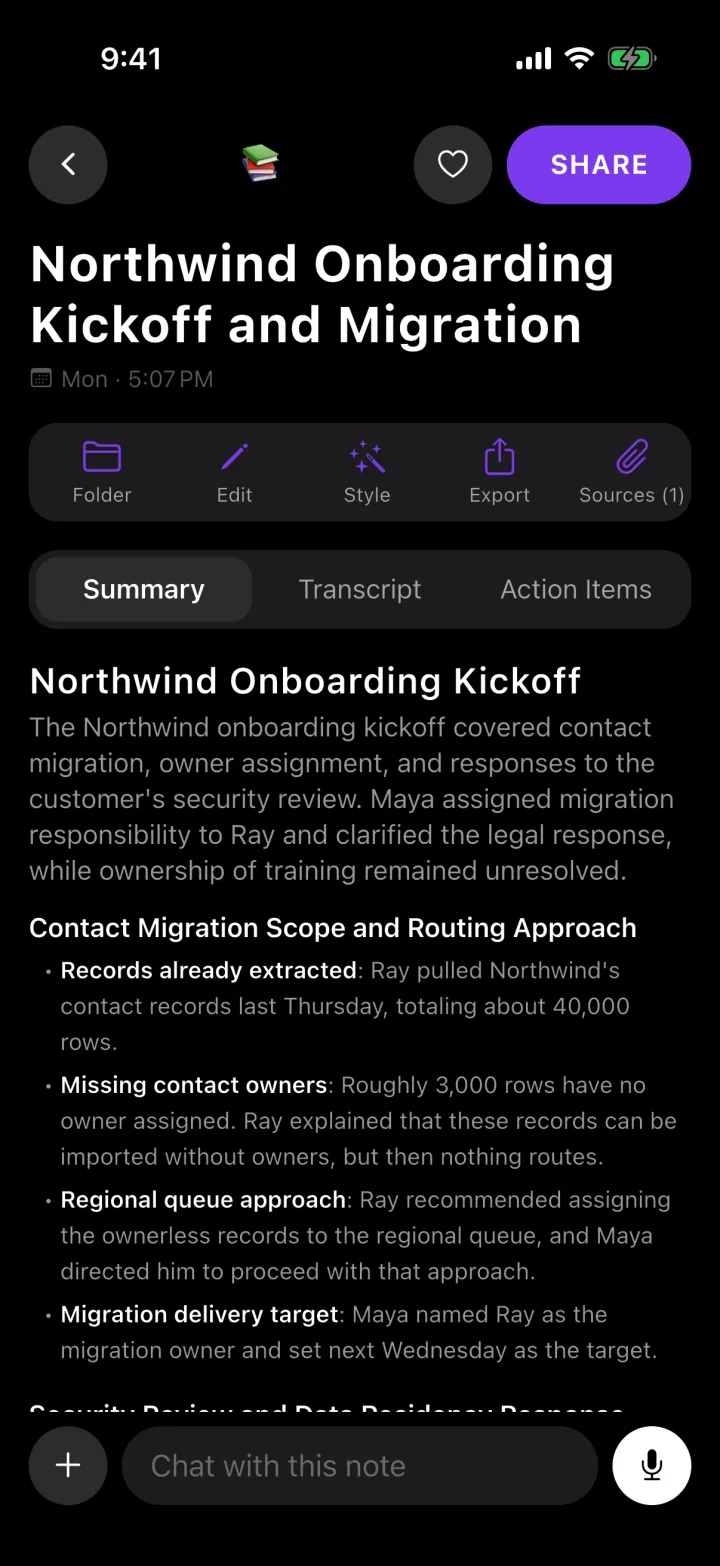
Same write-up as a live recording
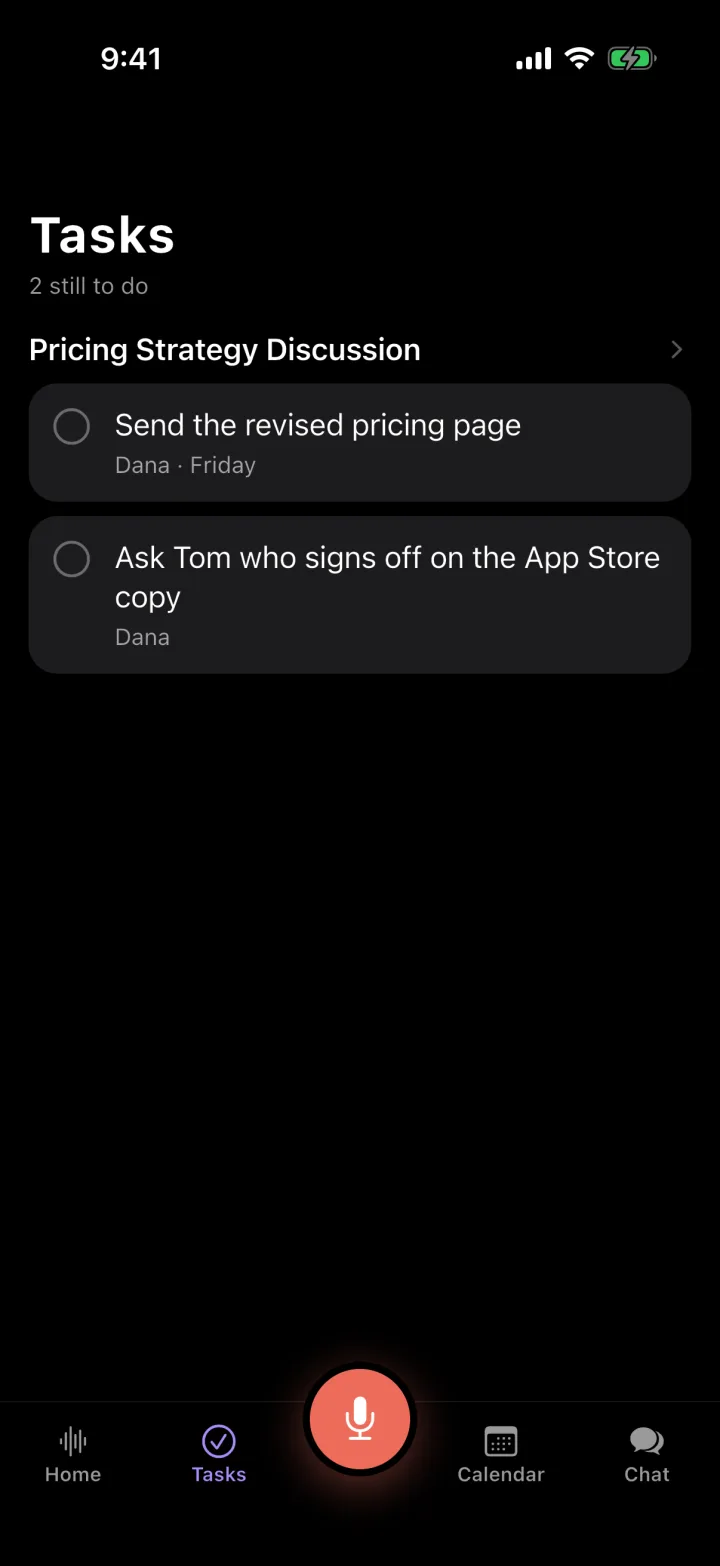
Summary, decisions and action items — imported content is not a second-class citizen in the app.
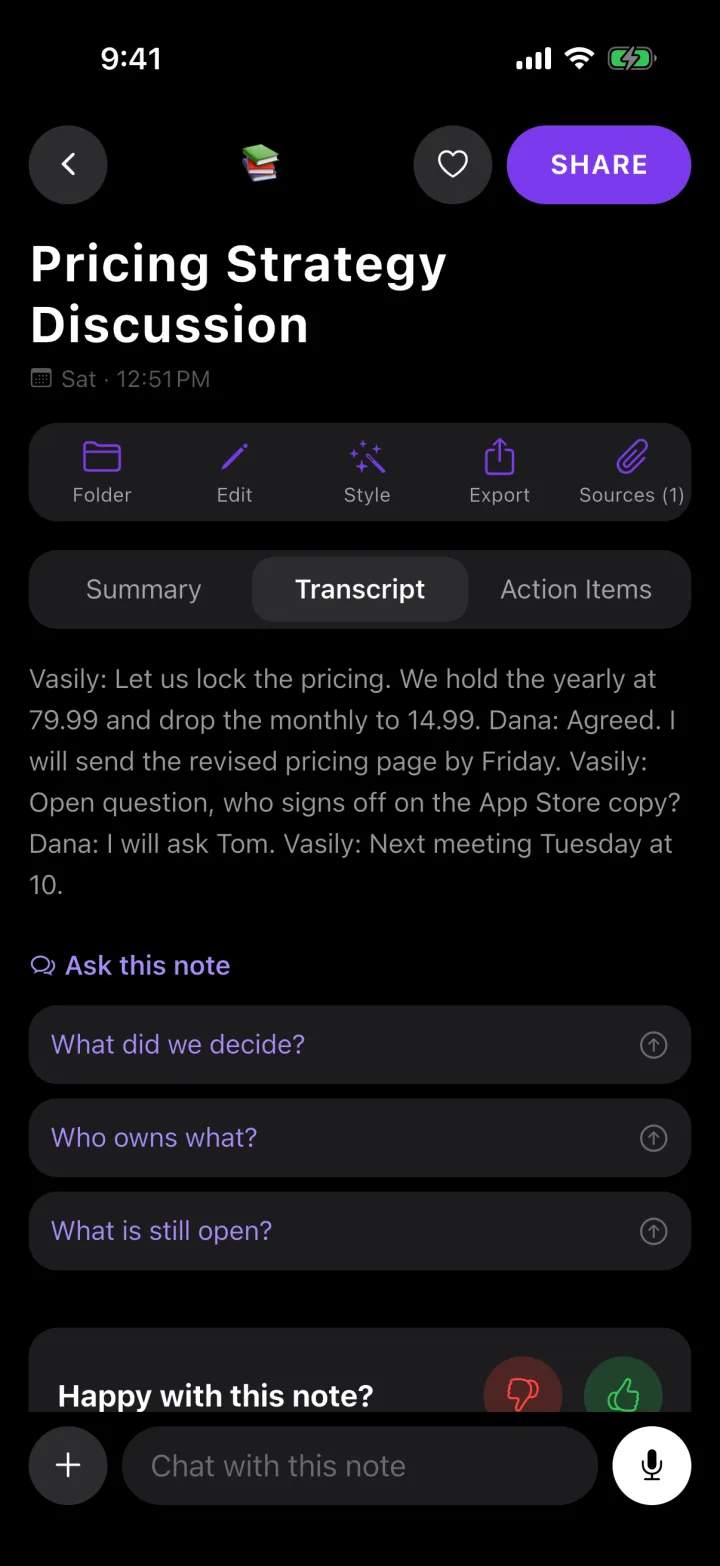
Searchable transcript
Find the sentence, not just the timestamp.
Ask it anything
Chat with an imported recording exactly like one you made yourself.
Export
PDF, Markdown, plain text or email.
Perfect for
- Recorded webinars
- Conference talks
- A colleague's Zoom recording
- Podcasts you want notes from
- Old voice memos
- Video interviews
Questions
Can I import a video file directly, not just a YouTube link?+
Video import works from a YouTube link; for a video file you already have, bring in its audio the same way you would any other audio file. Importing, from a link or a file, is part of Roomtone Pro.
Does a bot join my meeting?+
Only if you send one. Paste a Zoom, Meet or Teams link and a notetaker joins that meeting, visible to everyone in it. For anything else — a table, a car, a site walk — Roomtone records the room from your phone, where no bot can go at all.
Is there a free plan?+
Yes: 30 minutes of recording a month, with the transcript, the summary, the action items and a share link — no card. A recording you start with minutes left is finished in full, however long it runs, and the minutes reset on the 1st. Pro makes recording unlimited and adds the notetaker for Zoom, Meet and Teams, importing files and YouTube links, chat across all your notes, and export.
What languages does it handle?+
Over 100. The notes come back in the language that was spoken, not translated into English first.
What happens to my recordings?+
The audio is used to produce the transcript and then deleted from the server; your phone keeps its own copy until you delete it. Nothing is used to train a model.
Record the next one
Free for 30 minutes a month. No card.
Download for iPhone