Record the room.
Walk out with the notes.
Roomtone records the meeting, the client call or the site visit — and hands back the summary, the decisions and every action item. Across a table from your pocket, or in a Zoom call from a notetaker you send in.
Free plan · three recordings, 30 minutes each · no card
Recording is iPhone and iPad only — the web app is for reading, searching and chatting with the notes it already has. See how it works
- Records the room, or joins the call
- ·
- Audio deleted once transcribed
- ·
- Never used to train a model
- ·
- 100+ languages
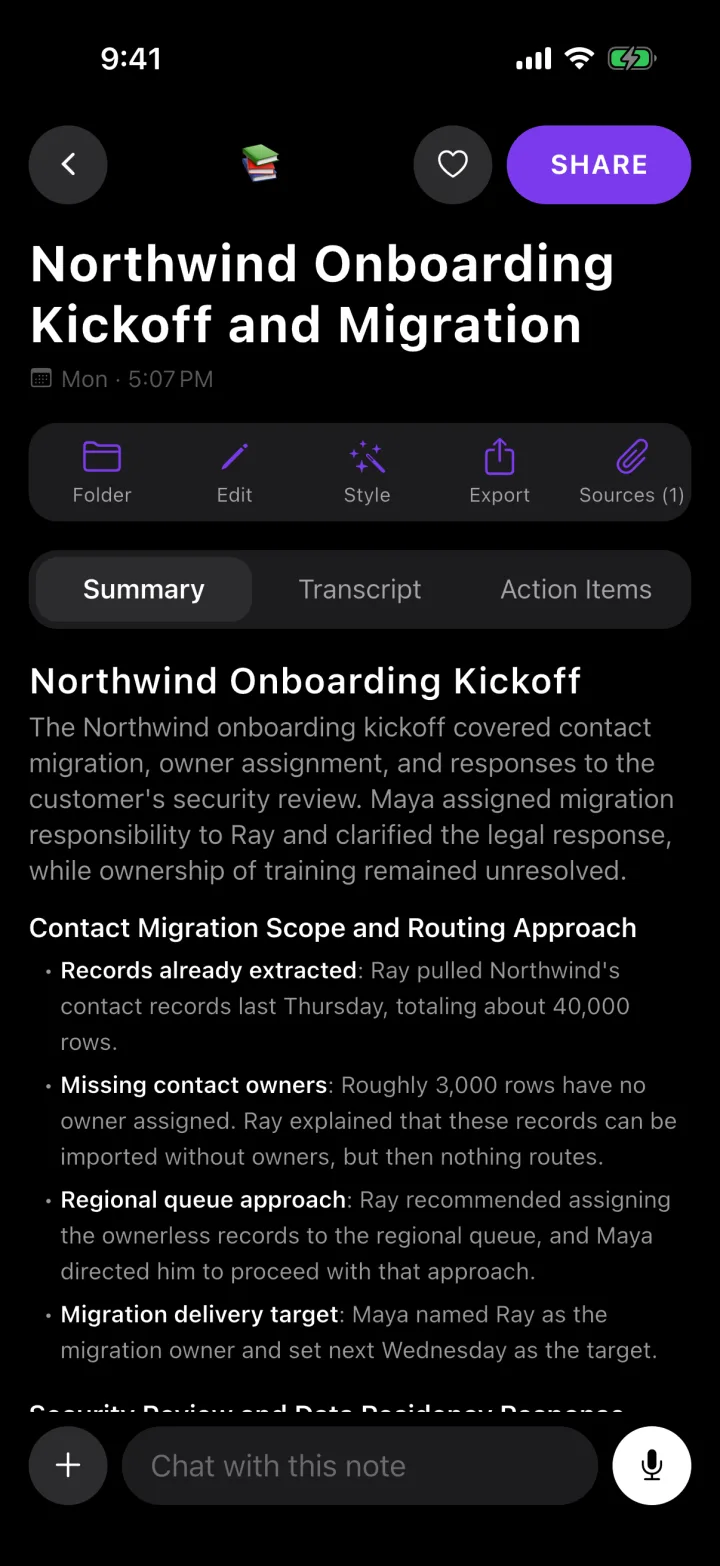
Action items
- Send the revised pricing page — Dana, Friday
- Ask Tom who signs off the store copy — Dana
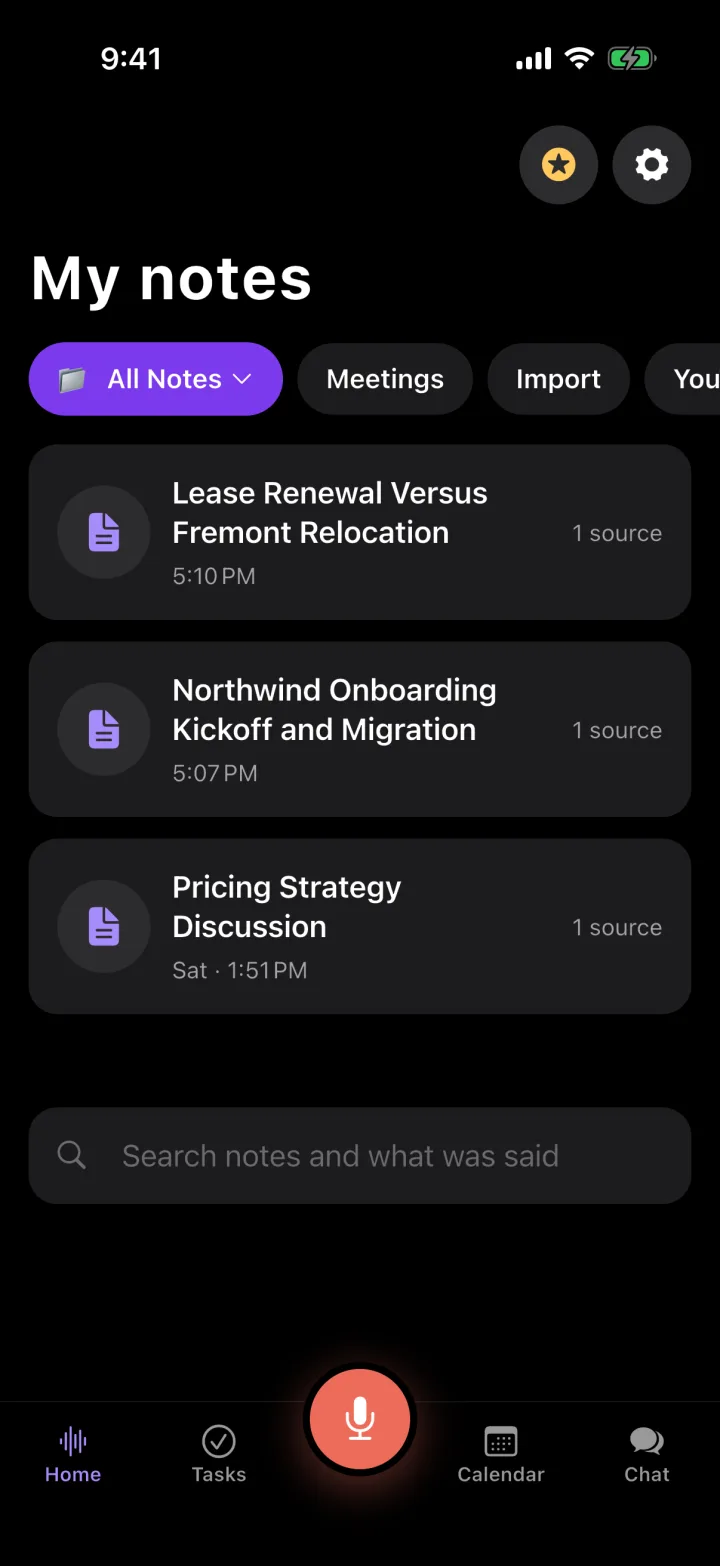
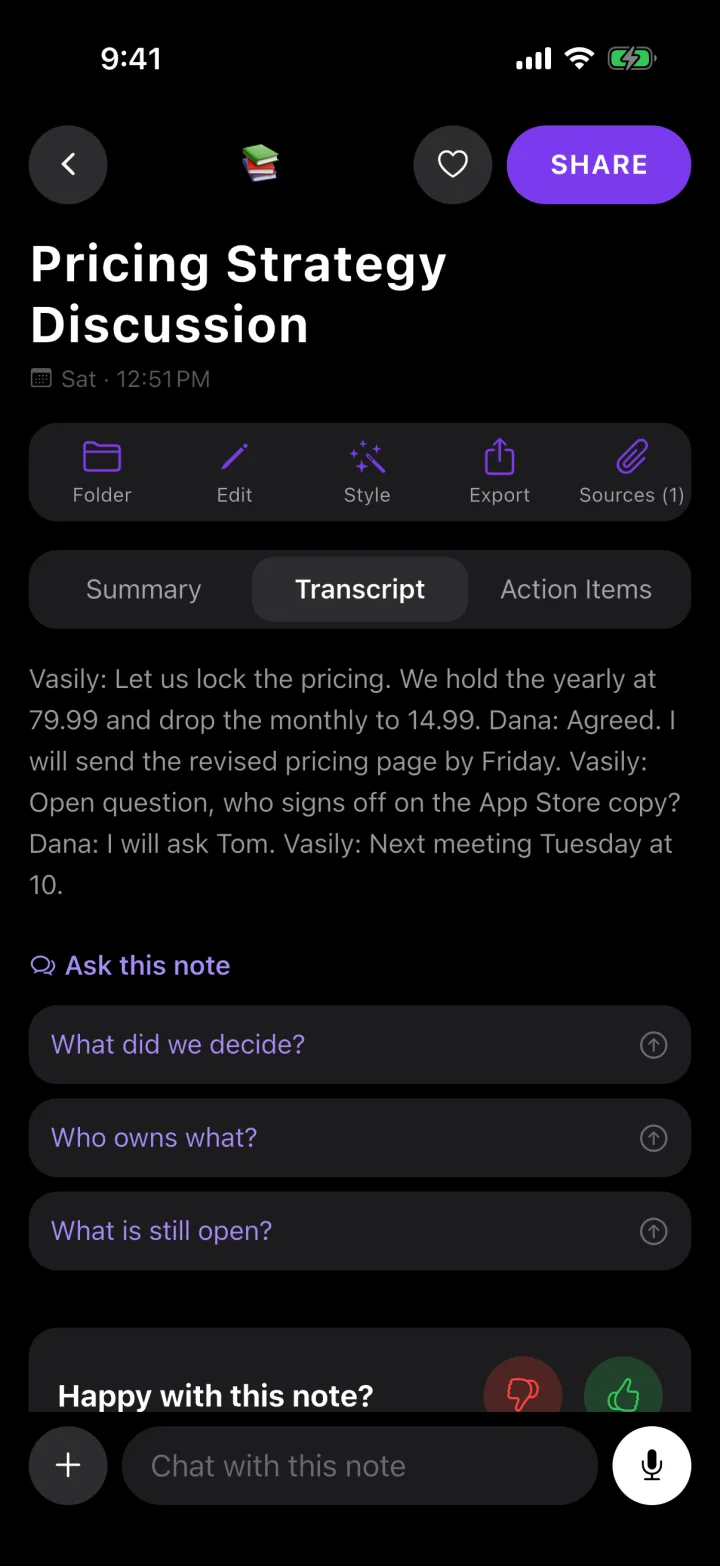
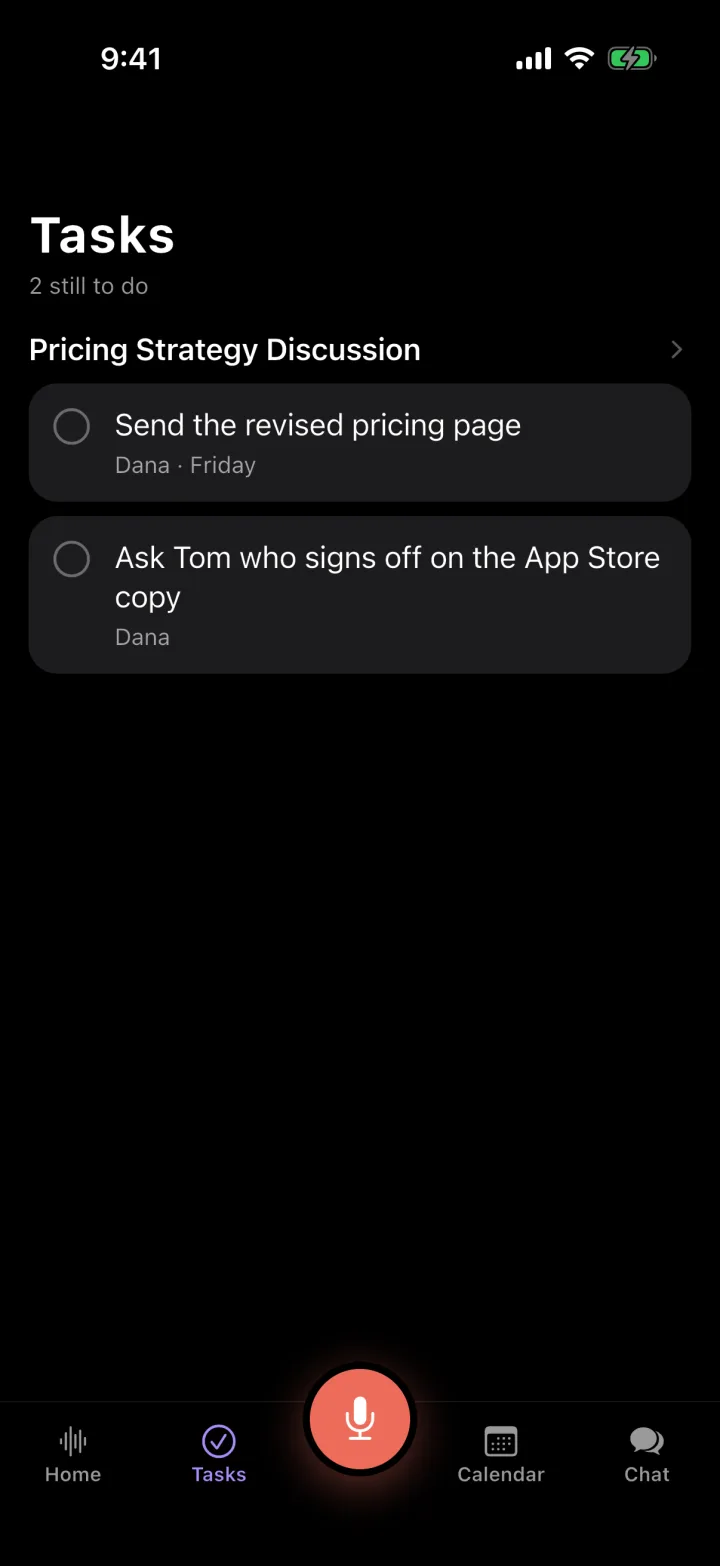
One recording, four screens
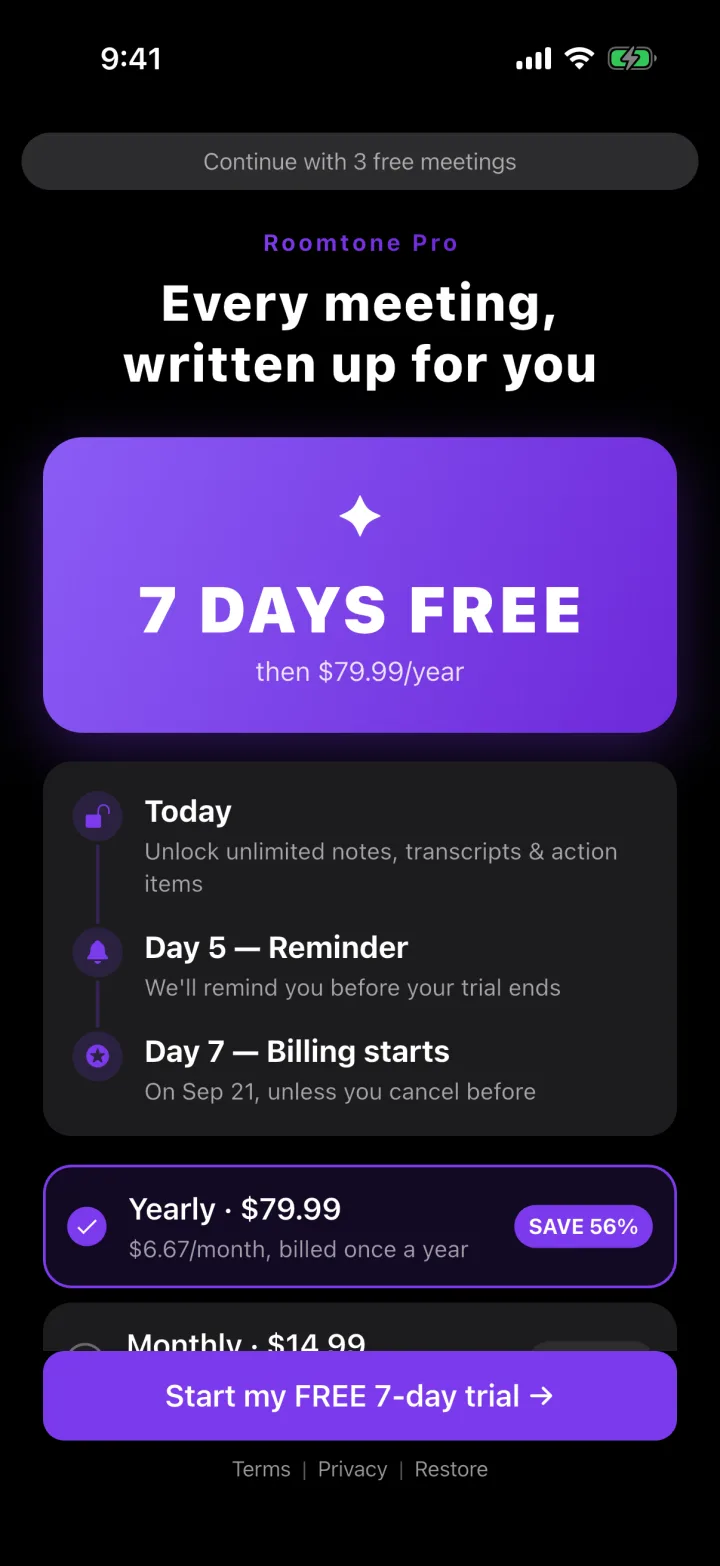
Not a mockup — the app on an iPhone, exactly as it ships.
Taking notes costs you the meeting
Every line you write is a line you did not hear. And the tools built to fix it need a calendar invite and a video call — which is not where half of the conversations that matter happen. A table, a car, a site walk, a phone on speaker: no bot can attend any of them.
How it works
Press record
One button, on the screen you are already looking at. Nothing to charge, nobody to invite.
Talk
It keeps recording with the screen locked, and a phone call mid-meeting does not lose the file.
Read the note
Summary, decisions and action items, with the transcript behind them.
Ask it anything
"What did I agree to this week?" — answered from your own recordings.
What one recording gives you
A structured write-up
Sections with bold lead-ins, not a wall of text. Six styles: team meeting, client call, one-on-one, interview, quick recap, long write-up.
Action items
Who agreed to what, and by when if it was said. Ticked off in one list across every meeting.
A notetaker for video calls
Paste a Zoom, Meet or Teams link and it joins that meeting for you — visible to everyone in it, like any other participant. Connect a calendar and it turns up on its own.
The words themselves
A transcript you can search, correct and export — so you can check anything the summary claims.
Chat with your recordings
Ask across everything you have recorded and get an answer citing what was said.
Calendar and reminders
See what is coming, record a meeting under its own name, get a nudge a minute before it starts.
Export and share
PDF, Markdown, plain text or email, in one tap.
Pricing
Start free. The yearly plan opens with seven days free.
Free
$0
forever
Enough to judge the notes.
- Three recordings
- 30 minutes each
- The full write-up
- No card required
Yearly
$119.99
per year · $10/mo
For people who meet every day.
- Unlimited recordings
- Any length
- Action items and chat
- Export and sharing
- 7 days free to start
Monthly
$14.99
per month
Or $9.99 weekly, if this is one busy fortnight.
- Everything in Yearly
- Cancel anytime
- Weekly plan also available
Prices shown are for the United States and may differ by region. Billing is handled by Apple; cancel any time in your App Store settings.
What Roomtone does not do
Worth knowing before you download rather than after.
It does not record a phone call by itself
While a call is up, iOS hands the microphone to the call and to nothing else. Put the call on speaker and Roomtone records the room — that part works well.
It does not sit in a call you did not send it to
The notetaker joins a Zoom, Meet or Teams meeting when you give it the link — never on its own, and everyone in the meeting sees it arrive. Or skip it entirely: play the call out loud and Roomtone records the room with no extra participant.
It does not label speakers by name
The model that labels who spoke is a generation behind on the words themselves, and a transcript that invents names is worse than one that says "A" and "B".
It only records from iPhone and iPad
No Android or Mac recording yet. The web app reads, searches and chats with what your iPhone already recorded — it does not capture audio itself.
Your next meeting, written up
Three recordings free. No card, no bot, no gadget.
Download for iPhone