Voice Memos transcription vs Roomtone
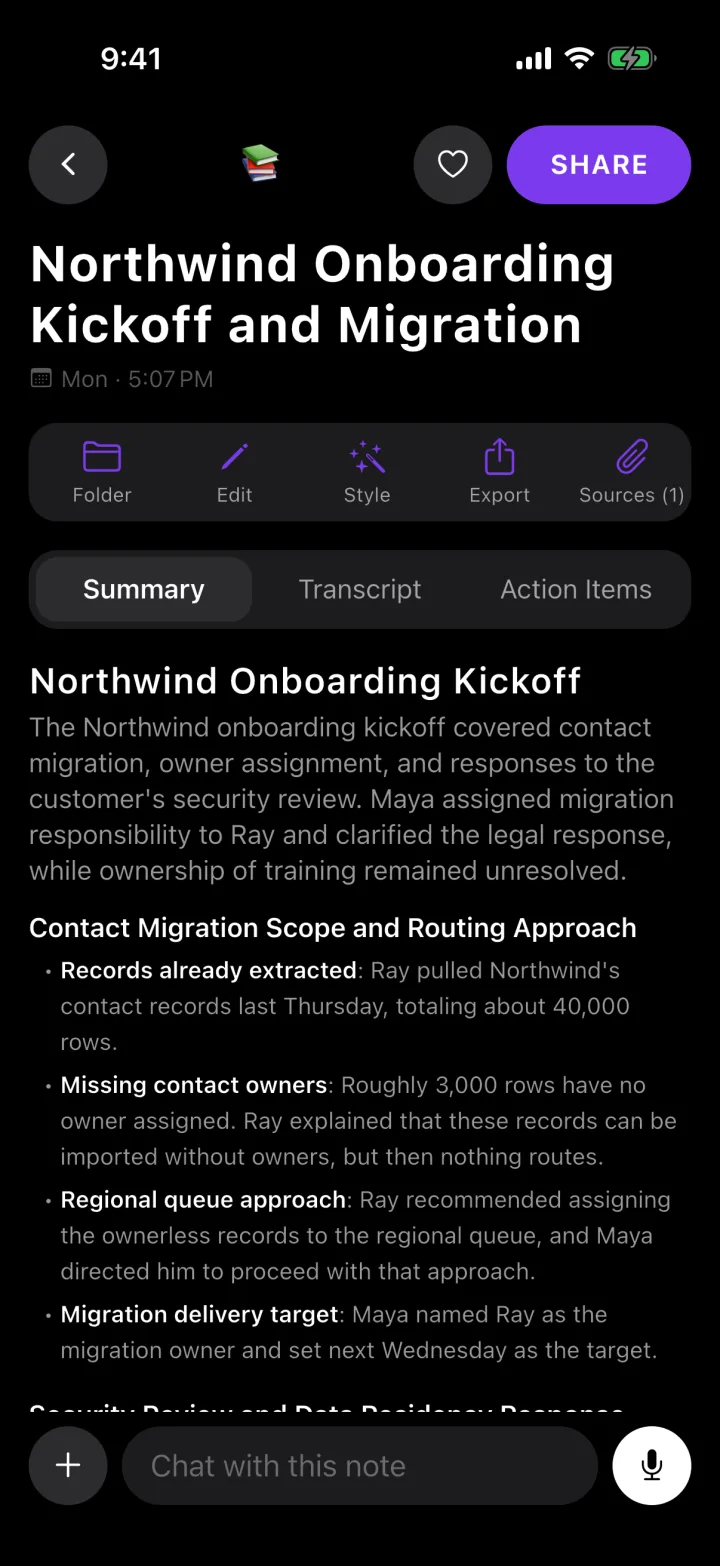
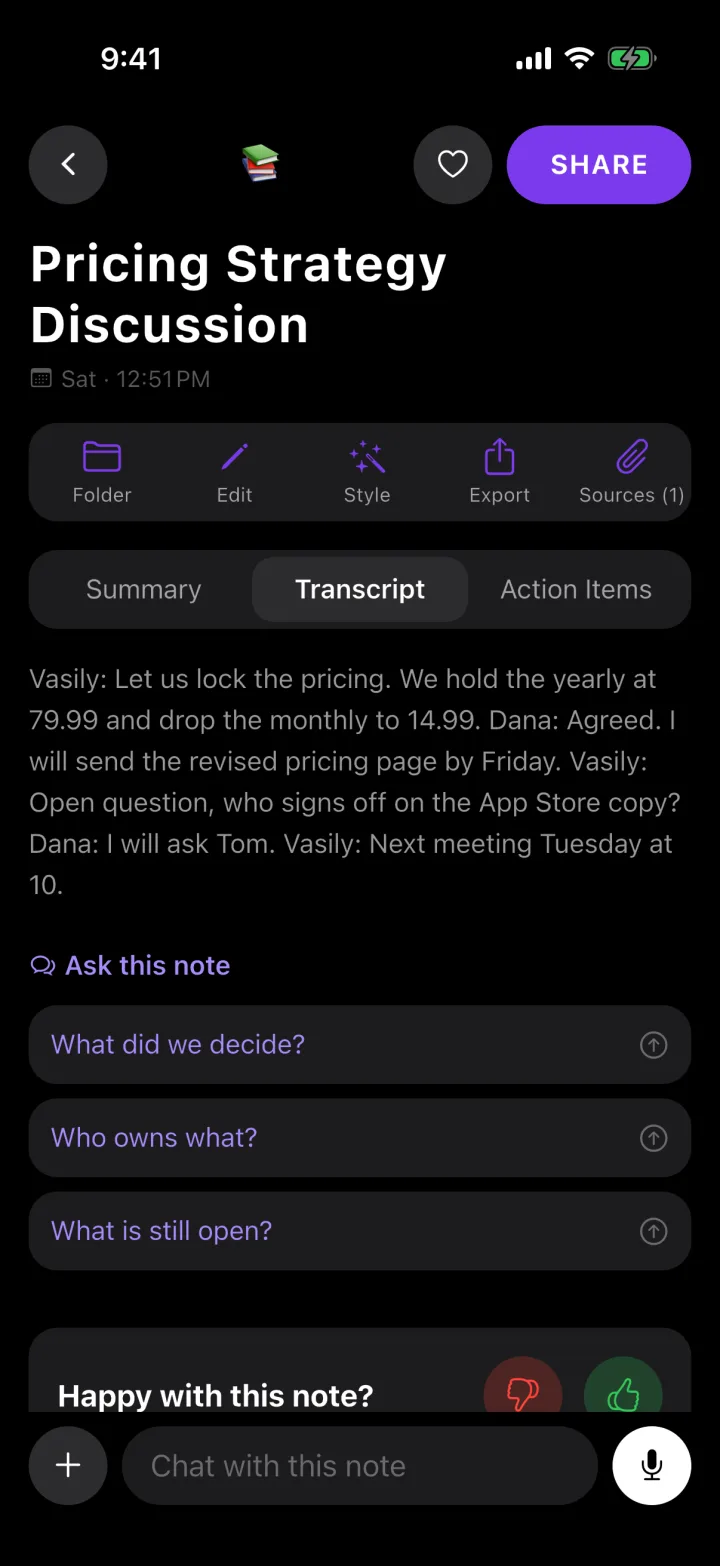
Since iOS 18, Voice Memos shows a transcript of a recording and Notes records audio with a live transcript — free, on iPhone 12 and later, in ten languages. If a transcript is all you need, use them. Roomtone is for when you need what the meeting decided.
Free to start · 30 minutes a month, no card
The problems you know too well
A transcript is not the minutes
Voice Memos has no summary button, and Notes writes a summary only with Apple Intelligence, on iPhone 15 Pro and later.
Ten languages, not everywhere
English, Spanish, Portuguese, Italian, French, German, Japanese, Korean, and Simplified and Traditional Chinese — and not in every country or region.
The video call is not on the phone
Neither app can join a Zoom, Meet or Teams meeting.
Side by side
| Roomtone | Voice Memos and Notes | |
|---|---|---|
| Price | Free for 30 minutes a month; Pro $14.99/month or $119.99/year | Free, built in |
| Transcript | Yes, 100+ languages | Yes, 10 languages; iPhone 12 and later with iOS 18 or later |
| Summary | Every recording | Notes only, with Apple Intelligence (iPhone 15 Pro and later) |
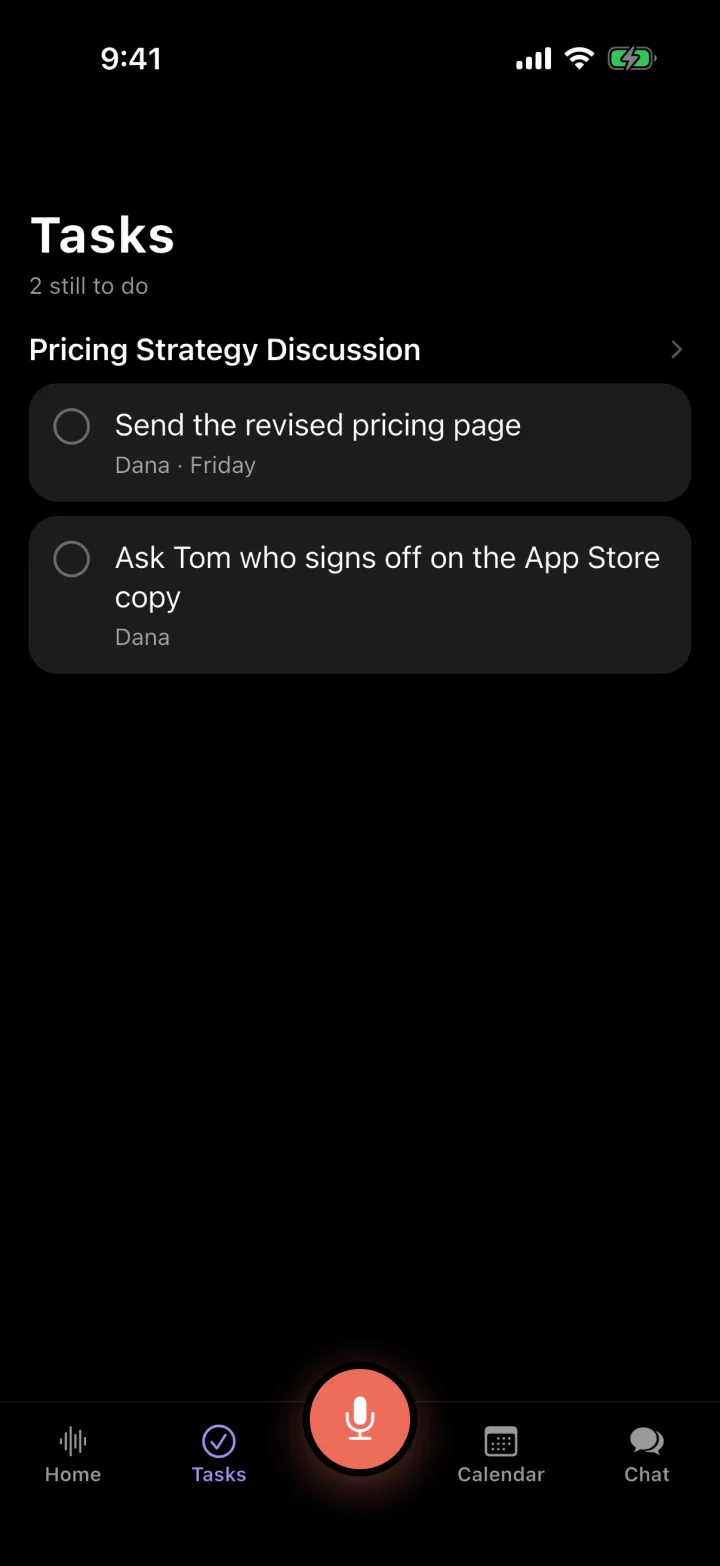
| Decisions and action items | Yes | No |
| Phone calls | On speaker, recorded from the room | The Phone app records calls into Notes (iOS 18.1 or later), with a notice both sides hear; not offered in the EU, the UAE, Saudi Arabia and some other countries |
| Video meetings | Notetaker joins Zoom, Meet or Teams (Pro) | No |
| Account | Sign in with Apple or Google | None |
Compiled from each product's own published material, checked October 21, 2026. If something here is out of date, tell us and we will correct it.
What you get
Summary, decisions, action items
From every recording, on any iPhone with iOS 16 or later.
100+ languages
Notes in the language that was spoken.
Ask every recording
"What did I agree to this week?" — answered from your own recordings (Pro).
Import old voice memos
Bring in an audio file and it gets the same write-up as a live recording (Pro).
Perfect for
- Meetings you need to act on
- Lectures
- Interviews
- Old voice memos
Questions
How do I get a transcript of a voice memo on iPhone?+
On iPhone 12 or later with iOS 18 or later, open the recording in Voice Memos and view its transcript, in one of the supported languages and regions. Apple's iPhone User Guide has the steps under Voice Memos → View a transcription.
Can I bring an old voice memo into Roomtone?+
Yes, with Pro: import the audio file and it gets the same transcript, summary, decisions and action items as a recording made in the app.
Does a bot join my meeting?+
Only if you send one. Paste a Zoom, Meet or Teams link and a notetaker joins that meeting, visible to everyone in it. For anything else — a table, a car, a site walk — Roomtone records the room from your phone, where no bot can go at all.
Is there a free plan?+
Yes: 30 minutes of recording a month, with the transcript, the summary, the action items and a share link — no card. A recording you start with minutes left is finished in full, however long it runs, and the minutes reset on the 1st. Pro makes recording unlimited and adds the notetaker for Zoom, Meet and Teams, importing files and YouTube links, chat across all your notes, and export.
What languages does it handle?+
Over 100. The notes come back in the language that was spoken, not translated into English first.
What happens to my recordings?+
The audio is used to produce the transcript and then deleted from the server; your phone keeps its own copy until you delete it. Nothing is used to train a model.
Record the next one
Free for 30 minutes a month. No card.
Download for iPhone