The audio recorder built only for iPhone
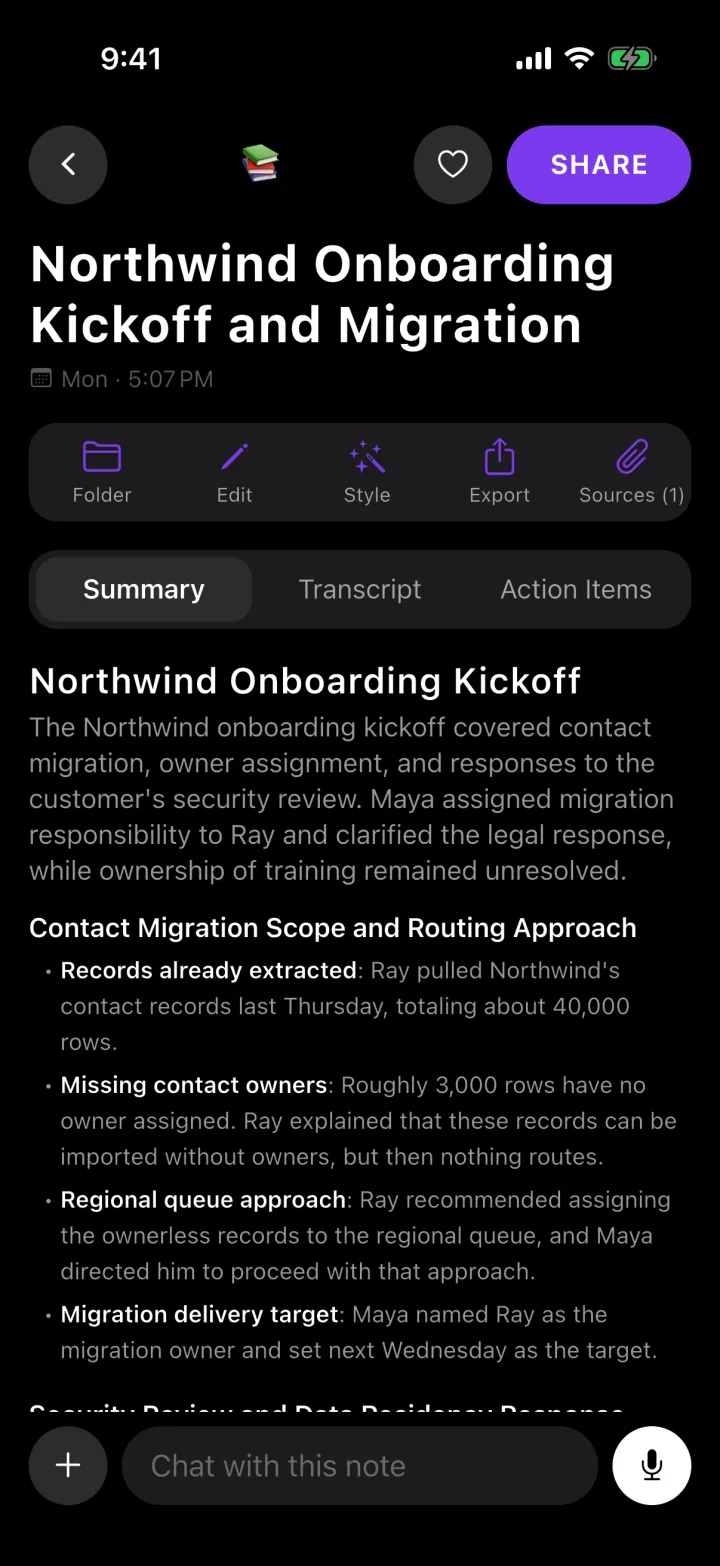
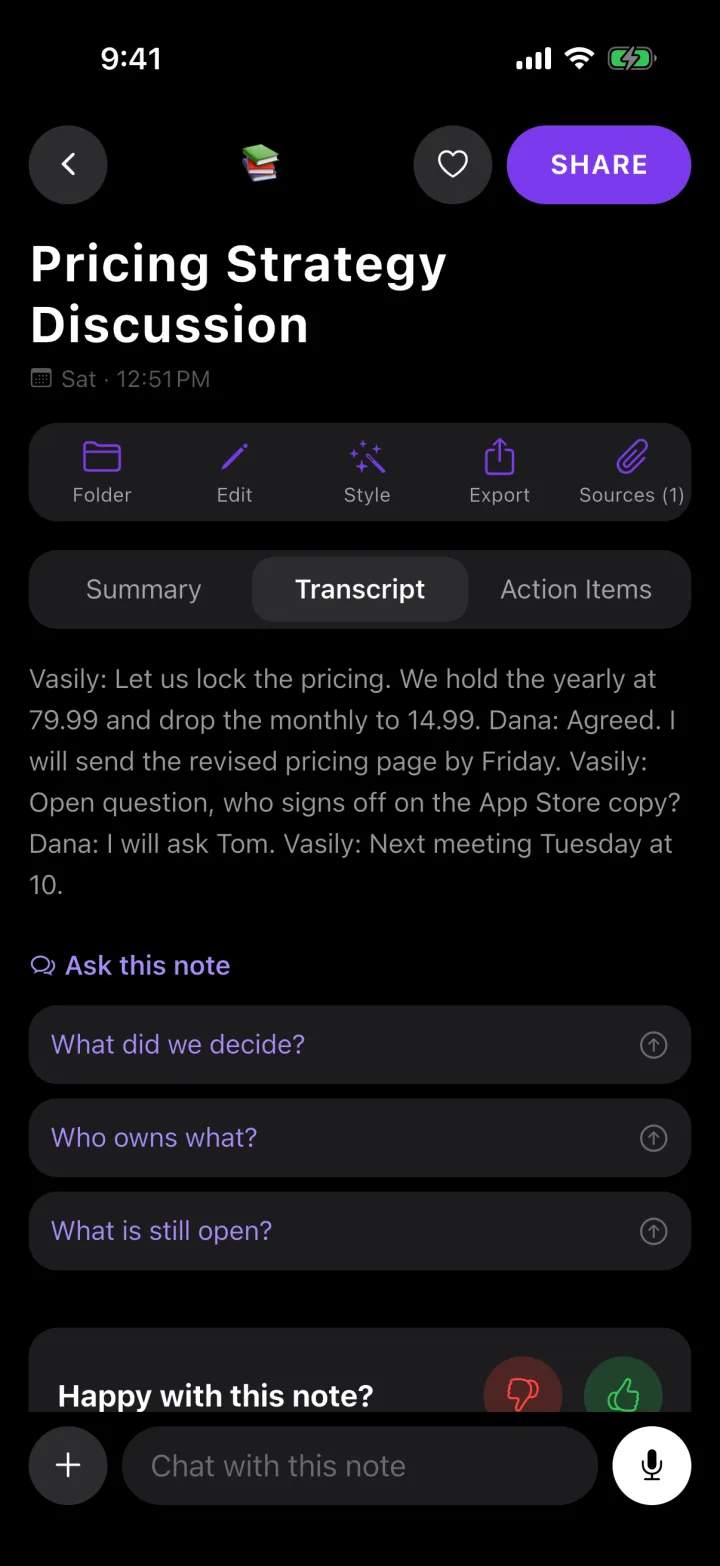
Roomtone is not a general-purpose voice memo app ported to iPhone — it is built for one device, and it does more with a recording than store it: every one becomes a transcript and a write-up.
Free to start · 30 minutes a month, no card
The problems you know too well
The built-in recorder just makes a file
Voice Memos gives you an audio file with a timestamp for a name. Nothing in it is searchable, and nothing summarizes it.
A generic recorder app does not know what a meeting is
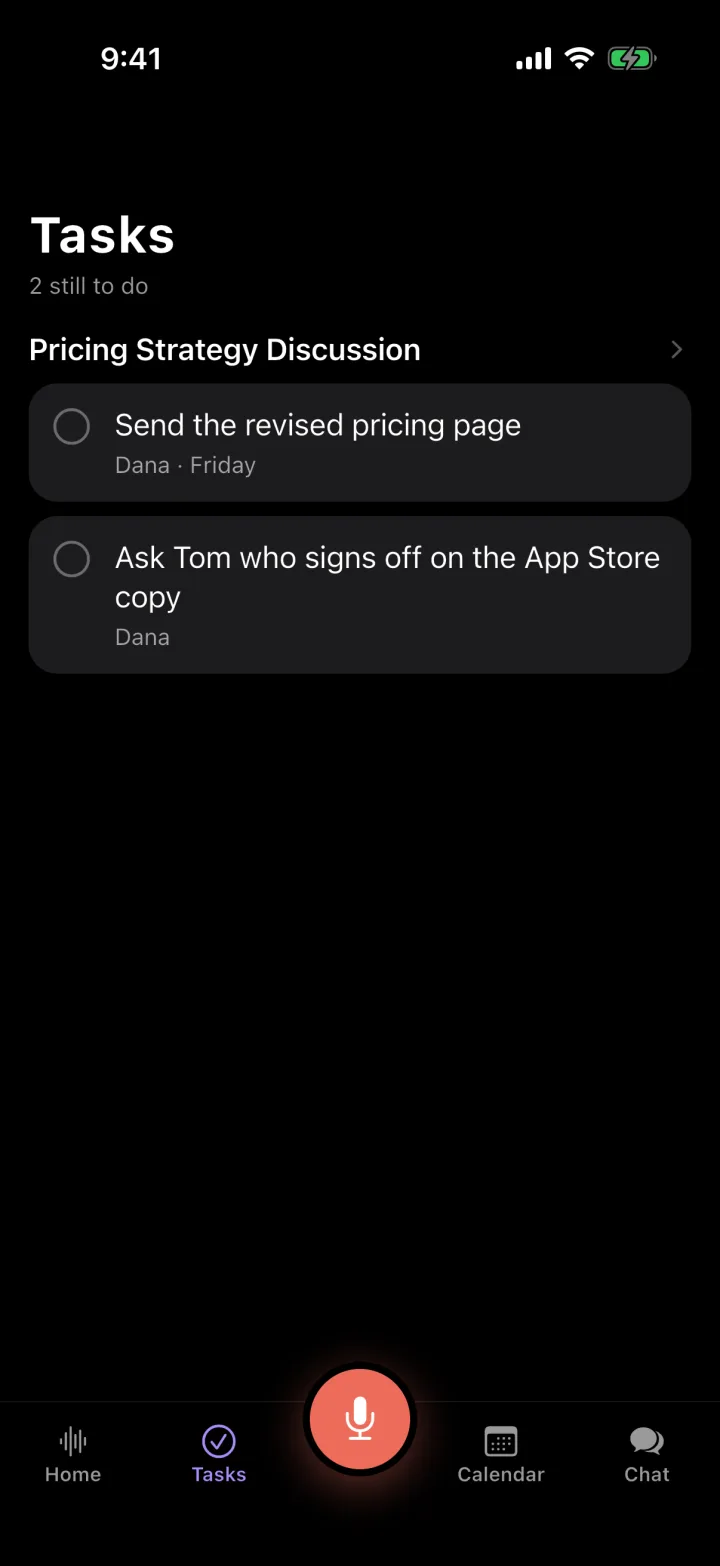
It has no idea a recording has decisions and action items in it — that part is on you, after the fact.
Cross-platform apps compromise on iPhone specifics
Background recording, Live Activities, screen-lock behavior — the details that make an iPhone app actually pleasant to use every day.
What you get
One button
Tap record on the screen you are already looking at. Nothing to charge, nothing to pair.
Keeps recording, screen locked
Put the phone away; recording does not stop when the screen does.
Survives an interrupting call
The pieces rejoin into one file when the recording ends.
Every recording, written up
Summary, decisions and action items — not just an audio file with a length and a date.
Searchable across every recording
Find the one where a specific thing was said, not just the one with the right filename.
100+ languages
Transcribed in the language that was spoken.
Perfect for
- Meetings
- Lectures and talks
- Voice notes to self
- Interviews
- Site visits
- Anything you would otherwise use Voice Memos for
Questions
Is this different from the iPhone's built-in Voice Memos app?+
Voice Memos records and stores a file; Roomtone records and turns it into a transcript, a summary, decisions and action items. Use Voice Memos for a quick reminder to yourself — use Roomtone for anything you will need to act on or refer back to.
Does a bot join my meeting?+
Only if you send one. Paste a Zoom, Meet or Teams link and a notetaker joins that meeting, visible to everyone in it. For anything else — a table, a car, a site walk — Roomtone records the room from your phone, where no bot can go at all.
Is there a free plan?+
Yes: 30 minutes of recording a month, with the transcript, the summary, the action items and a share link — no card. A recording you start with minutes left is finished in full, however long it runs, and the minutes reset on the 1st. Pro makes recording unlimited and adds the notetaker for Zoom, Meet and Teams, importing files and YouTube links, chat across all your notes, and export.
What languages does it handle?+
Over 100. The notes come back in the language that was spoken, not translated into English first.
What happens to my recordings?+
The audio is used to produce the transcript and then deleted from the server; your phone keeps its own copy until you delete it. Nothing is used to train a model.
Record the next one
Free for 30 minutes a month. No card.
Download for iPhone